*nix Commands - Day 1

Agenda
- Intro to shell
- Folder structure
- Commands -
man,which,whereis,whoami
Some obvious rant
As with everything, *nix commands are not just set of random words that we can throw at the terminal. While we use a terminal to type in our commands, these commands are executed by a tiny program called "shell". In fact, there are some tiny differences for depending on which "shell" we are using.
The most popular ones are -
- zsh
- bash
- sh
How do we know which shell is active? refer "The which command" section.
Shell is responsible to interpret and call a command that we want to execute. Each of these commands is probably a binary sitting somewhere in the folder structure. So unless shell knows/already has this path sourced (where to find the binary for the command you typed), it throws errors.
Each command works in the following way - command [options]... arguments...
Summary so far -
- When we open a terminal/CLI, there is a "shell"
- The shell executes the commands we type in
- Commands are binaries/programs on the file system
- The path to these commands is already set for default commands.
Folder structure
This is the most important section of this entire series. It is recommended to spend some time to understand this before everything else. Refer to this before you continue.
Quick points -
- *nix systems follow a specific hierarchy
- all folders are descendants of root "/"
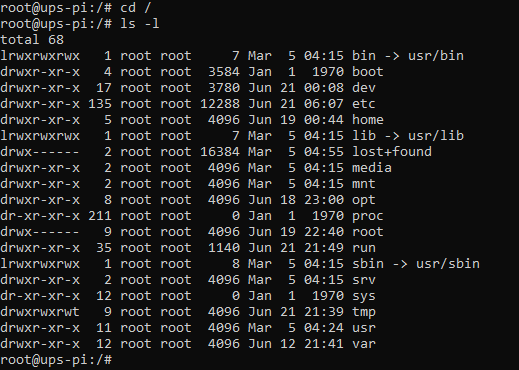
Again, please refer to this link right now to understand a bit more about the folder structure. There is a lot of information in the above picture. Simply put it is a list of all folders at the root of the file system.
The man command
This probably is the most underrated Linux command for many reasons. It is made to help us understand what any command does! It is a CLI wiki for all the commands! Which opens the "manual" for the relevant command.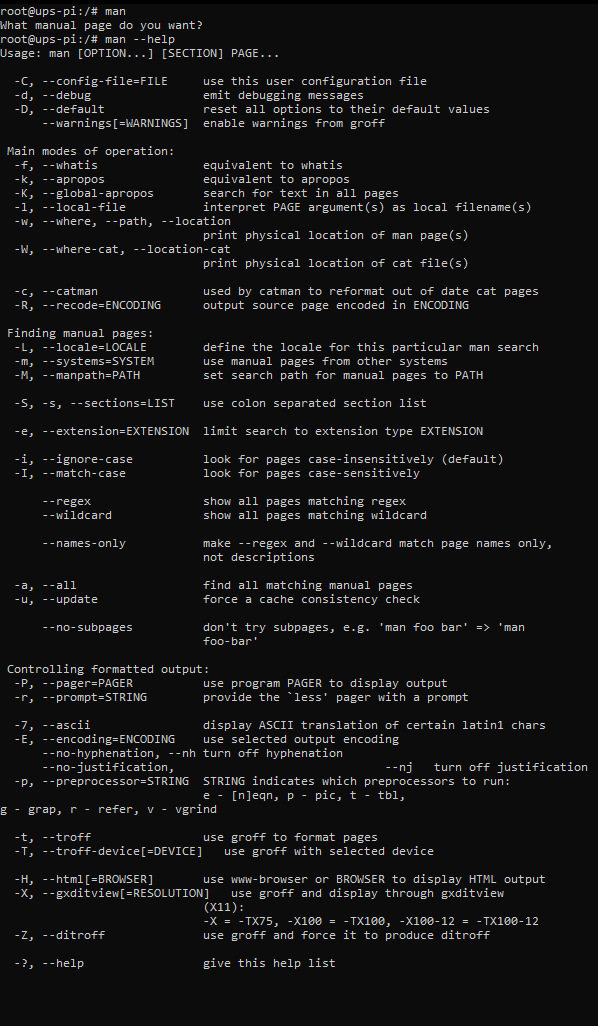
man
Usage:
man from man
The idea of the above use is to find out what the command man can do as per the manual! (Inception vibes?)
Result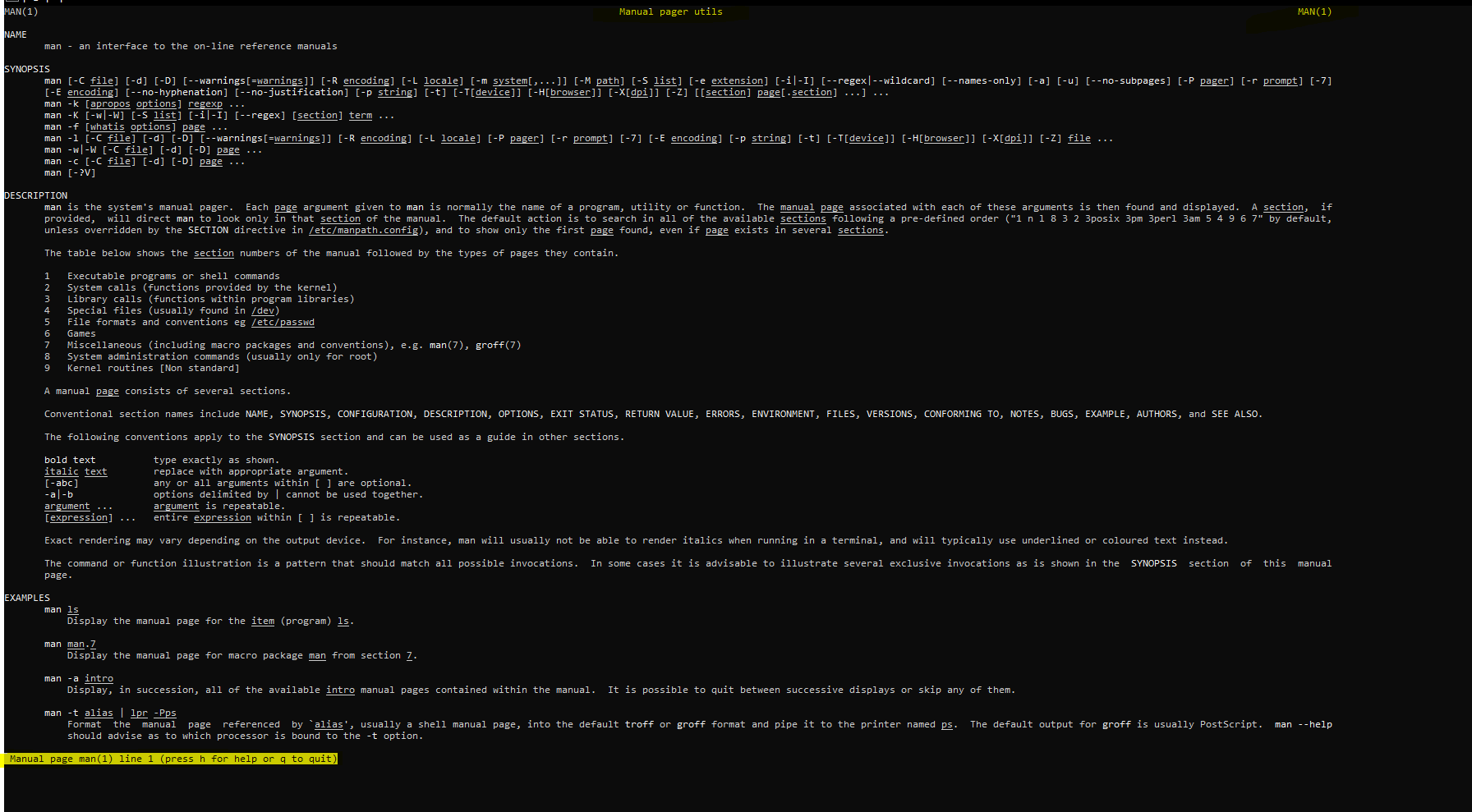
man command as per the manual
The which command
When we want to know the location of the binary/program is being called when we hit that enter button, we may use the which command.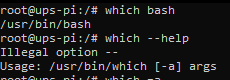
This command is most useful where there might be two binaries of for the same command we might want to know to which one we are currently pointing to.
For example - say you have python3.7 and python 3.9 installed on your system, and you are referring to it with an alias, we can find it right there!
whereis command
Sometimes the which command might not be enough for us, we might want to have a broader search to know the location of what we are using and where is it located at. That's exactly when we should be using whereis!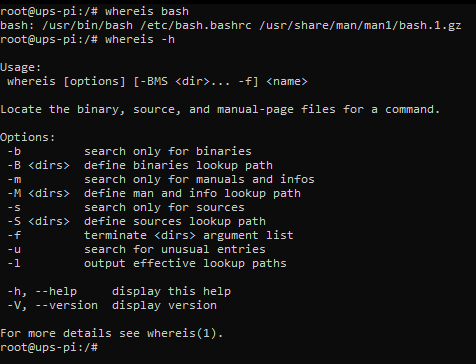
Still confused about which and whereis ? Find out here!
whoami command
As with every operating system today, *nix systems are multi-user systems. In this type of situation where a single system is shared by multiple users, sometimes not all users have the permissions for all the files/commands.
In such situations, it is important to know which user are we logged in as.
That's exactly what whoami does, just as the word sounds!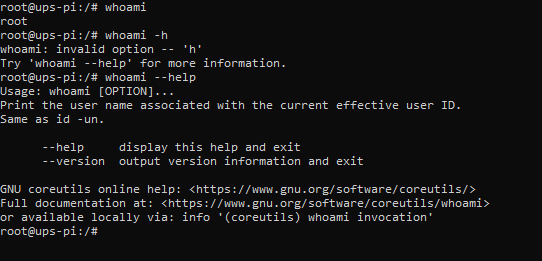
These commands are the most important ones, I have felt to get started with on "Day 1" when you are just getting started with *nix systems and shell!